Cat Tabs A calmer way to work in Chrome
Take a tour

See Cat Tabs in action.

A walkthrough of how Cat Tabs turns Chrome Tab Groups into focused workspaces — from navigating and organizing to snapshots and quick access.
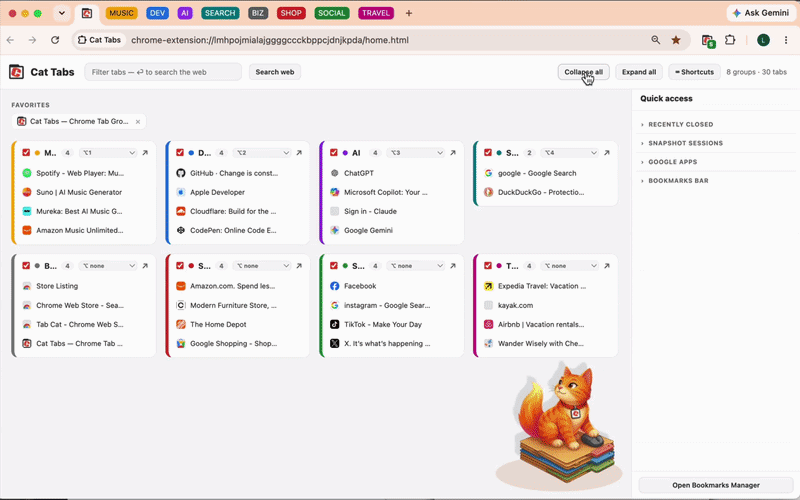
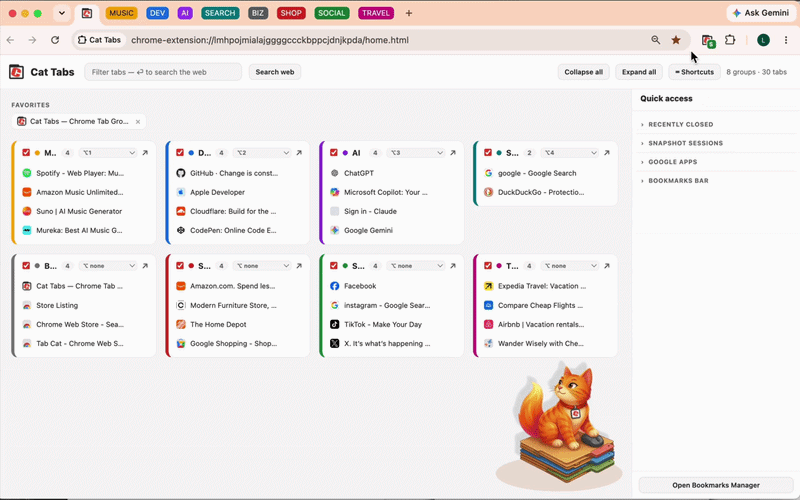
Hover any clip to play it.
01

Navigate & Focus

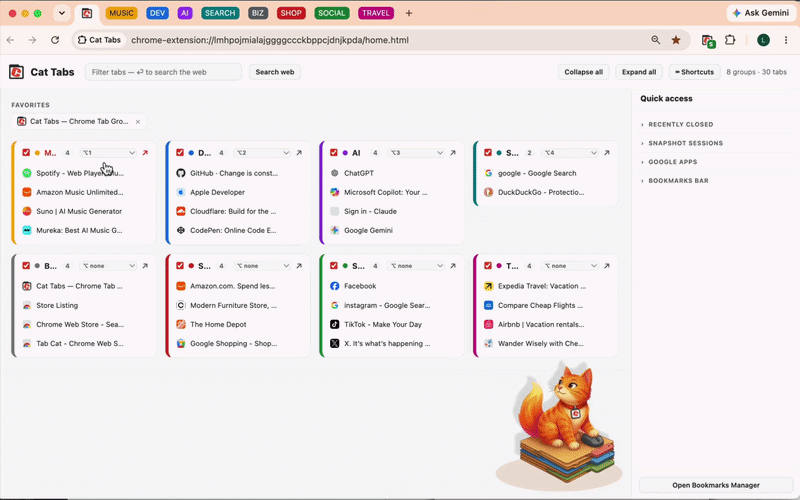
Accordion groups — open one, the rest fold away.
Opening one tab group collapses the others
Peek — preview a group without leaving your place.
Peeking into a group without switching to it
02

Dashboard Convenience

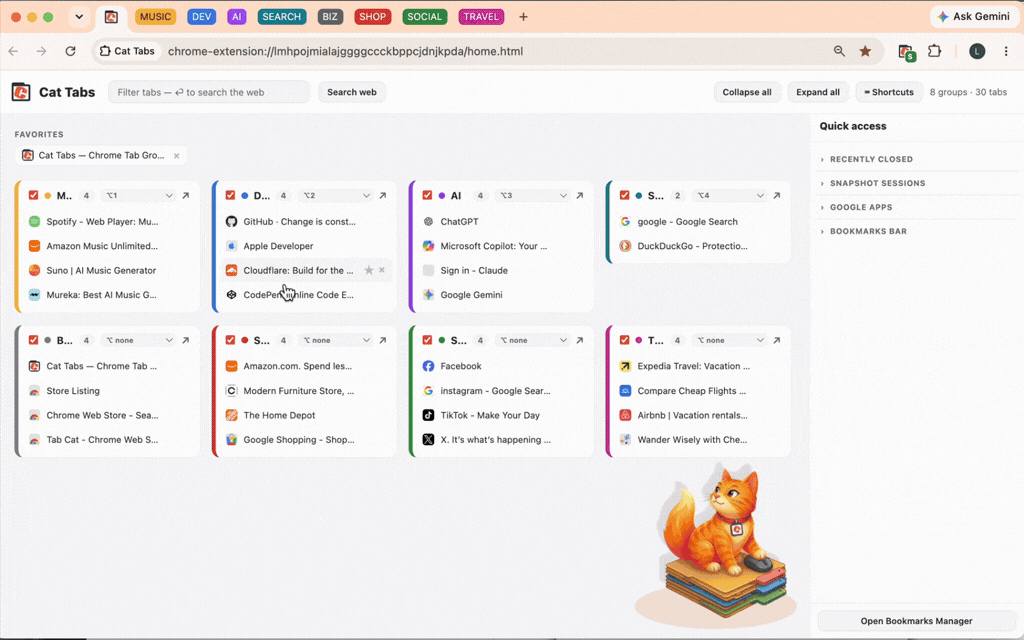
Jump straight to any tab from the dashboard.
Clicking a tab in the dashboard jumps to it
Assign keyboard shortcuts to jump to your groups.
Setting keyboard shortcuts for groups
03

Organize

Reorder tabs within a group by dragging.
Dragging to reorder tabs in a group
Drag between groups, hold to copy, and favorite tabs.
Dragging, copying, and favoriting tabs
04

Find

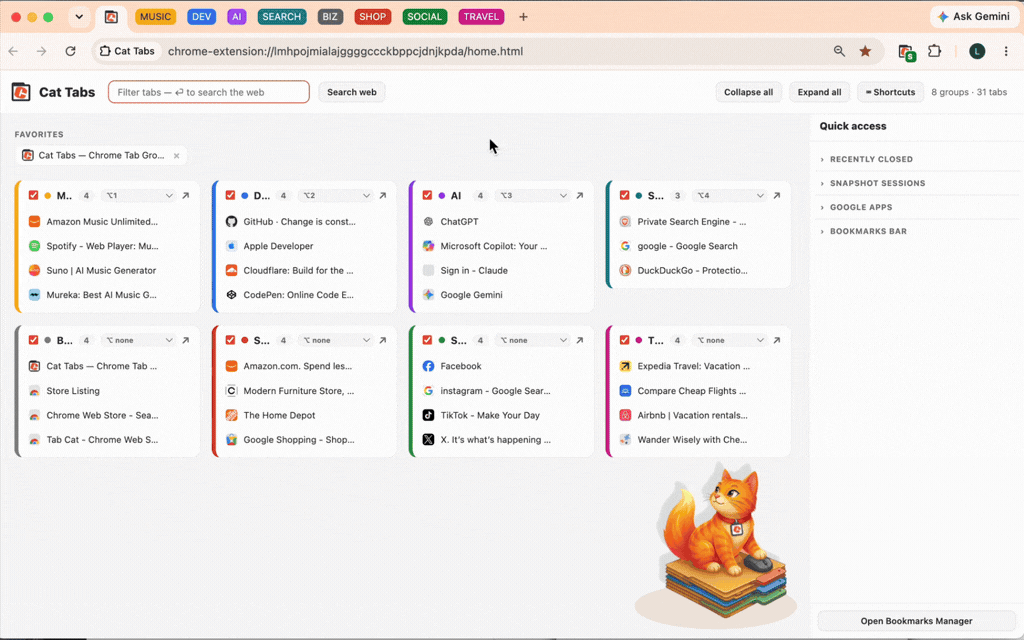
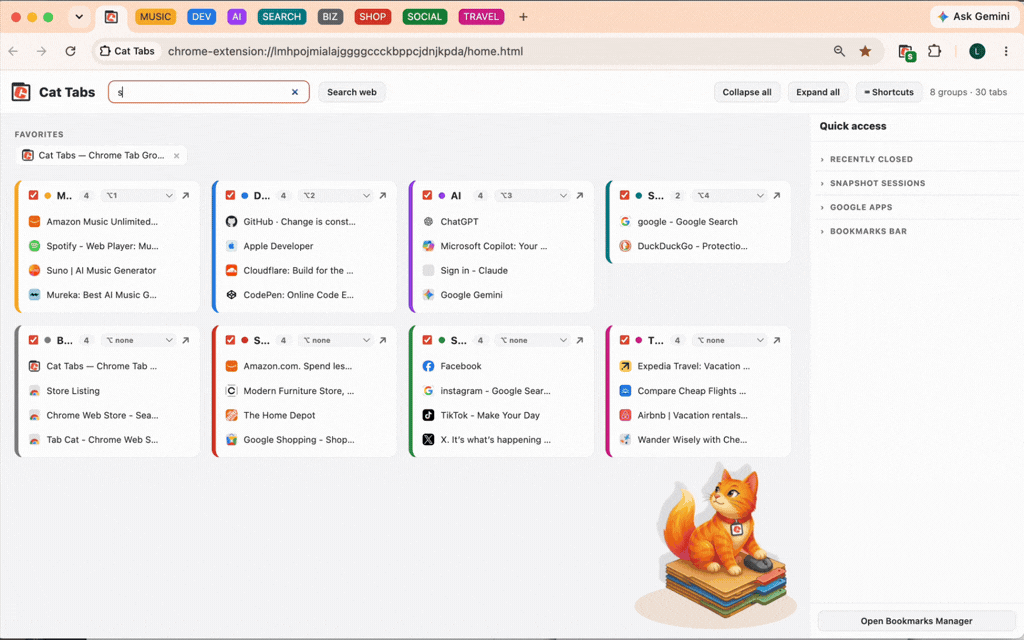
Filter open tabs, or press Enter to search the web.
Filtering tabs and searching the web
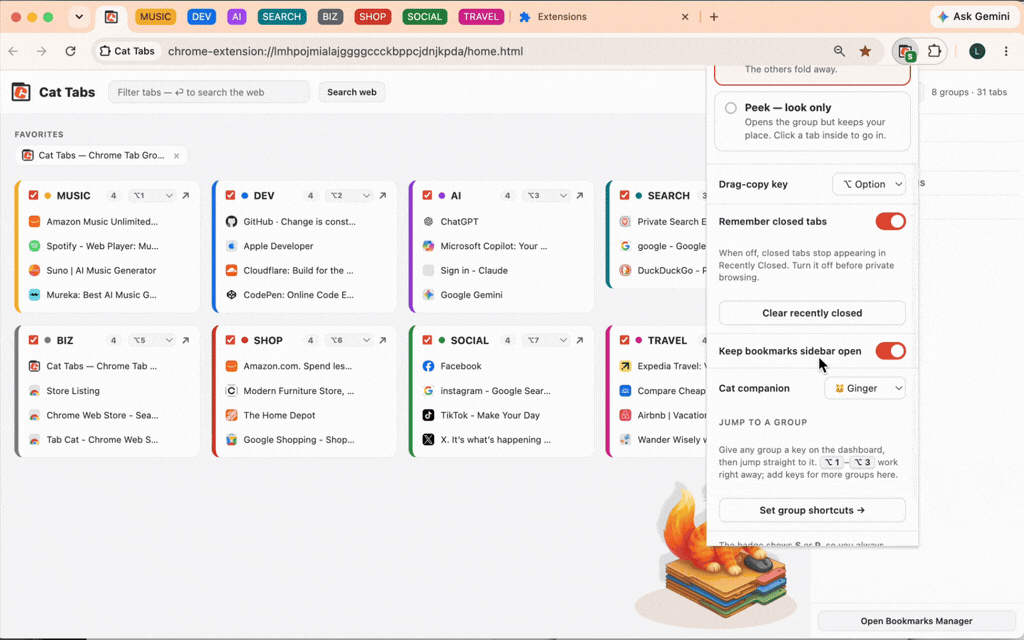
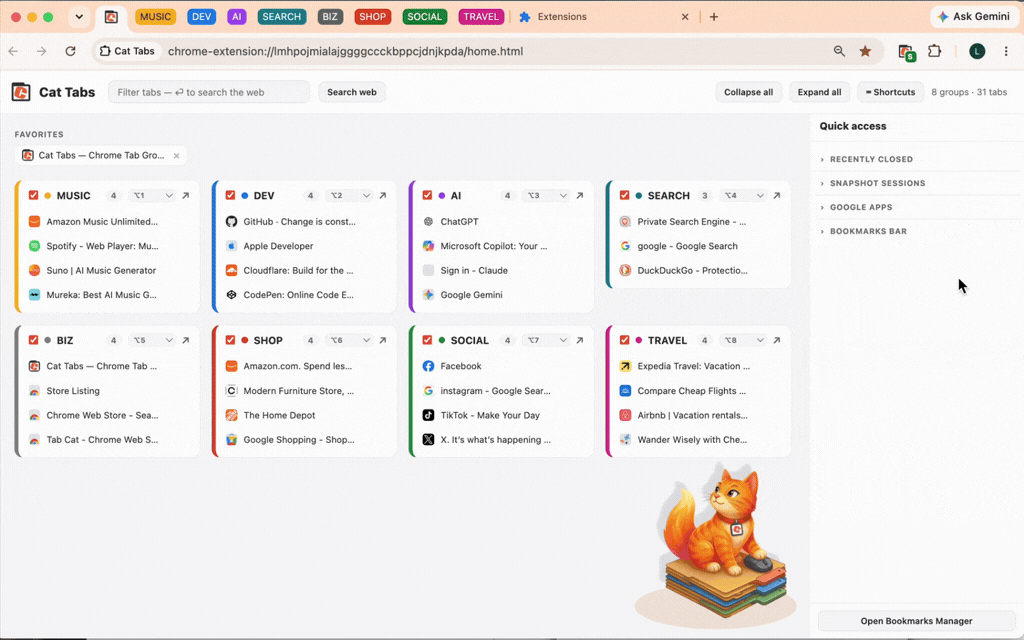
Show or hide the Quick Access sidebar.
Toggling the Quick Access sidebar
05

Sidebar

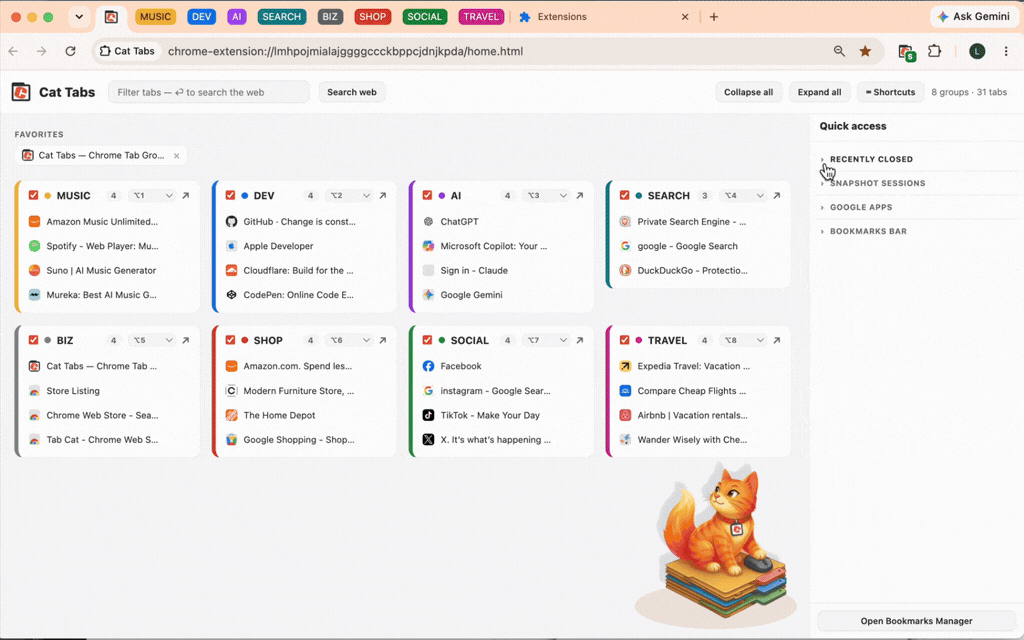
Reopen recently closed tabs. NSFW? No problem — turn off this feature.
Reopening recently closed tabs
Save a workspace as a snapshot and restore it later.
Saving and restoring a workspace snapshot
06

Customize

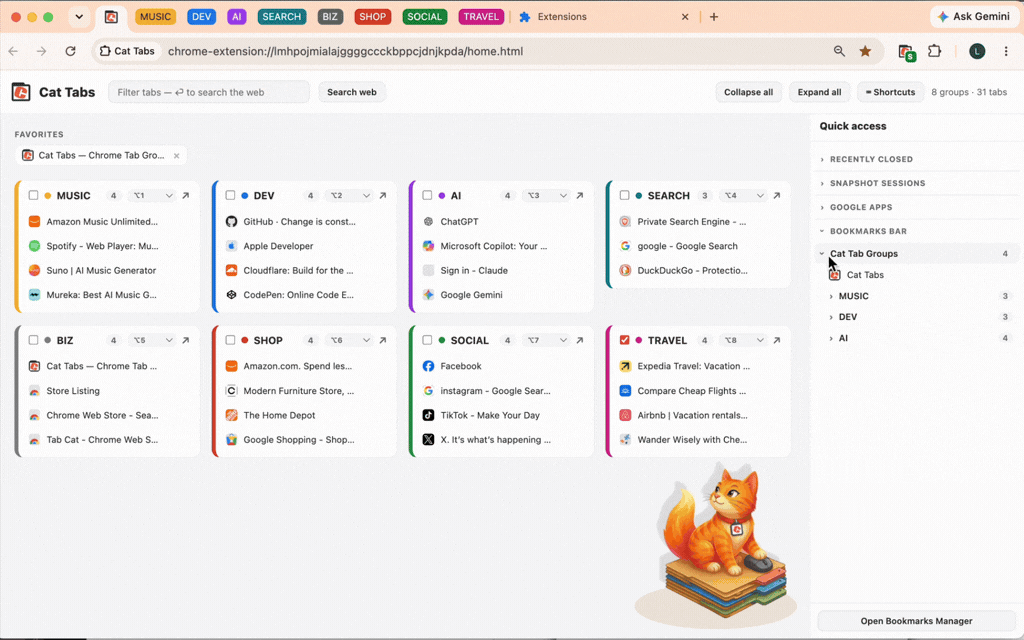
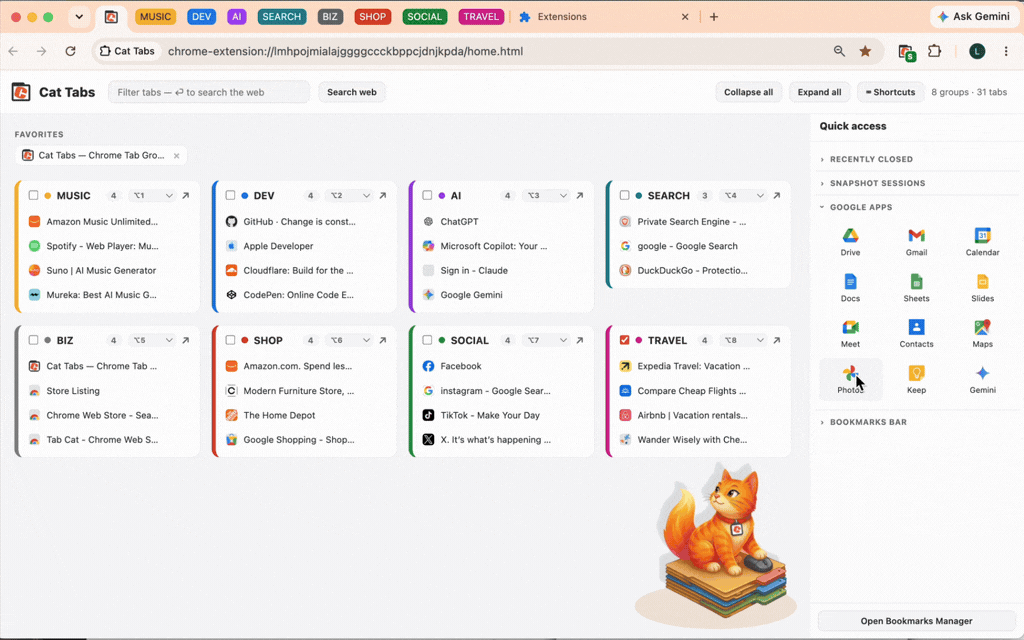
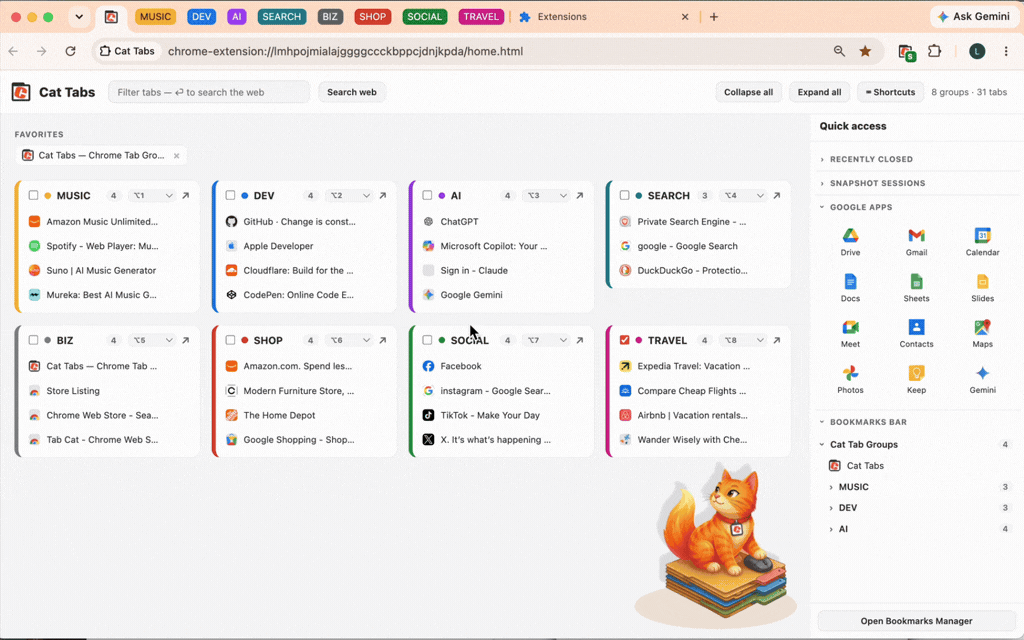
Your Google apps and bookmarks, one click away.
Google apps and bookmarks in the sidebar
Pick your cat companion — or hide it entirely.
Choosing a cat companion

Easier than Herding Cats

Ready to work in projects, not tabs? Cat Tabs is free to install, with a $9.99 one-time unlock for the full dashboard.

Get Cat Tabs